Pasteable vs CopyQ
Pasteable vs CopyQ
the scriptable open-source power tool
CopyQ is a free, open-source (GPL-3.0) clipboard manager for Linux, Windows, and macOS, built for power users: tabs, editable items, notes and tags, and a scripting API with a command line. If you want to shape a desktop clipboard manager exactly to your workflow, it is excellent. It is desktop only, though: there is no phone app, and sharing history between computers means pointing a tab at a shared folder such as Dropbox.
Pasteable
Free · Pro $6/mo or $60/yr · $80 founder lifetime
Cross-platform · E2E sync · AI search
CopyQ
Free (open source)
the scriptable open-source power tool
Where CopyQ is genuinely good
- Free and open source under GPL-3.0.
- Runs on Linux, Windows, and macOS.
- Deep control: tabs, editable items, notes and tags, a Vim-like editor, and a scripting API and command line.
- Stores text, HTML, images, and custom formats.
- Can sync a tab with a folder, which you can keep in Dropbox or on a network share.
Where Pasteable pulls ahead
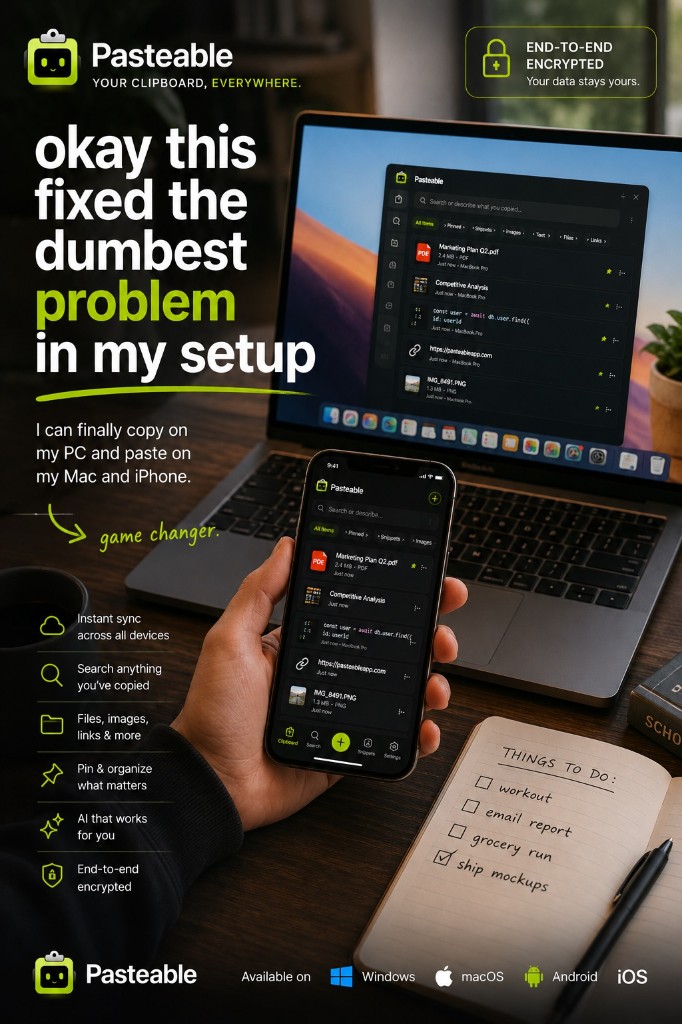
- End-to-end encrypted sync between Mac, Windows, and Linux, with nothing to set up.
- Your phone joins in today through the web app, with iPhone and Android apps in store review.
- On-device semantic search finds a clip by meaning, not only exact text.
- Snippets with text expansion, and detected secrets are blurred.
- Polished and ready on day one, without scripting.
Feature-by-feature
| Feature | Pasteable | CopyQ |
|---|---|---|
| Platforms | Mac · Windows · Linux · Web · iOS & Android soonMac · Windows · Linux · Web · iOS & Android soon | Linux · Windows · macOSLinux · Windows · macOS |
| Price model | Free · Pro $6/mo or $60/yr · $80 founder lifetimeFree · Pro $6/mo or $60/yr · $80 founder lifetime | Free (open source, GPL-3.0)Free (open source, GPL-3.0) |
| Phone access | Web app today · apps in reviewWeb app today · apps in review | |
| Cross-device sync | Built in, E2E encryptedBuilt in, E2E encrypted | Via a shared folder you set upVia a shared folder you set up |
| Text, HTML & images | ||
| Tabs / collections | Collections & pinsCollections & pins | TabsTabs |
| Scripting API & CLI | ||
| Web app access | ||
| Open source |
Comparisons reflect publicly documented features as of 2026 and are updated as products change.
Where CopyQ falls short
- No phone app, so it cannot get text from your phone to your computer.
- No built-in cloud sync: sharing between computers depends on a folder you set up, and it is only as private as wherever that folder lives.
- No web app for grabbing a clip from a browser.
- The power has a learning curve; much of the value is in the scripting.
The honest verdict
CopyQ is one of the best free clipboard managers on the desktop, and if you love scripting your tools, keep it. Choose Pasteable when you want your history on every computer and your phone without setting up a shared folder, end-to-end encrypted, and searchable by meaning.
Common questions
Is CopyQ free?+
Yes. CopyQ is free and open source under the GPL-3.0 license, and it runs on Linux, Windows, and macOS.
Can CopyQ sync between computers?+
It can sync a tab with a folder on disk, so you can put that folder in Dropbox or on a network share. That works, but you set it up yourself and it does not reach your phone. Pasteable syncs between Mac, Windows, Linux, and the web out of the box, end-to-end encrypted.
Try Pasteable free
Local-first clipboard history today. Add cross-device sync, AI search, and text expansion whenever you want.
v3.2.22
Pasteable for iPhone and Android is in App Store and Play Store review right now. Join the waitlist and we’ll email you the moment it’s live — or use the web app in your phone’s browser today.