Pasteable vs Ditto
Pasteable vs Ditto
the powerful, free Windows clipboard manager
Ditto is a legend on Windows — free, open-source, and surprisingly powerful, with network-based sync between machines. For a Windows-only power user it is a serious tool. Its age shows in the UI, sync is manual network sharing rather than end-to-end encrypted cloud, and there is no Mac, Linux, iOS, Android, or AI.
Pasteable
Free · Pro $6/mo or $60/yr · $80 founder lifetime
Cross-platform · E2E sync · AI search
Ditto
Free
the powerful, free Windows clipboard manager
Where Ditto is genuinely good
- Free and open-source with a long, trusted track record on Windows.
- Deeply powerful — groups, search, and network sync between PCs.
- Handles huge histories and many formats well.
Where Pasteable pulls ahead
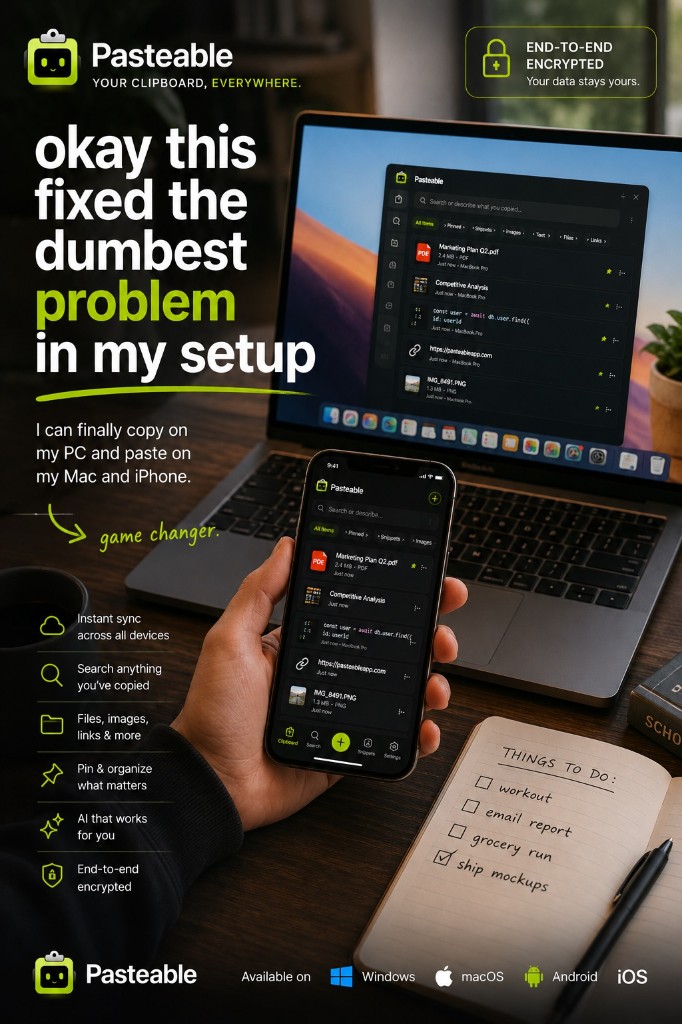
- Modern UI on Mac, Windows, and Linux, plus a web app for your phone.
- End-to-end encrypted cloud sync that just works — no network setup.
- On-device semantic search across everything you have ever copied.
- Snippets and OS-level text expansion on top of history.
- iPhone and Android apps with a clipboard keyboard, now in store review.
Feature-by-feature
| Feature | Pasteable | Ditto |
|---|---|---|
| Platforms | Mac · Windows · Linux · Web · iOS & Android soonMac · Windows · Linux · Web · iOS & Android soon | Windows onlyWindows only |
| Price model | Free · Pro $6/mo or $60/yr · $80 founder lifetimeFree · Pro $6/mo or $60/yr · $80 founder lifetime | FreeFree |
| Local-first storage | ||
| End-to-end encrypted sync | Ditto syncs over the network; not E2E encrypted cloud. | |
| AI semantic search | ||
| Snippets + OS text expansion | ||
| Sensitive blur / password-manager skip | LimitedLimited | |
| Mobile keyboard with synced clips | Coming soon (in store review)Coming soon (in store review) | |
| Web app access | ||
| File & image copy sync | ||
| Open source |
Comparisons reflect publicly documented features as of 2026 and are updated as products change.
Where Ditto falls short
- Windows only — no Mac, Linux, iOS, or Android.
- Dated UI that has not meaningfully modernized in years.
- Sync is LAN/network-based and fiddly to set up; not E2E cloud.
- No semantic search, no mobile app, no web access.
The honest verdict
Ditto is the right price — free — and deeply capable on Windows. But if you use more than one operating system, want sync that is encrypted and effortless, or want semantic search and a web app, Pasteable brings all of it under one account with a modern UI.
Common questions
Ditto is free. Why would I pay for Pasteable?+
For cross-platform reach (Mac, Linux, and the web, with iPhone and Android apps in store review), end-to-end encrypted cloud sync, on-device semantic search, and OS text expansion. If you are Windows-only and none of that matters to you, Ditto is a fine choice. Pasteable’s free tier is also usable forever on Windows.
Does Pasteable sync work as simply as Ditto’s network sharing?+
Simpler. There is no LAN or port setup — sign in and toggle sync. Items are encrypted on your device before upload, so the cloud copy is unreadable without your key.
Try Pasteable free
Local-first clipboard history today. Add cross-device sync, AI search, and text expansion whenever you want.
v3.2.16
Pasteable for iPhone and Android is in App Store and Play Store review right now. Join the waitlist and we’ll email you the moment it’s live — or use the web app in your phone’s browser today.