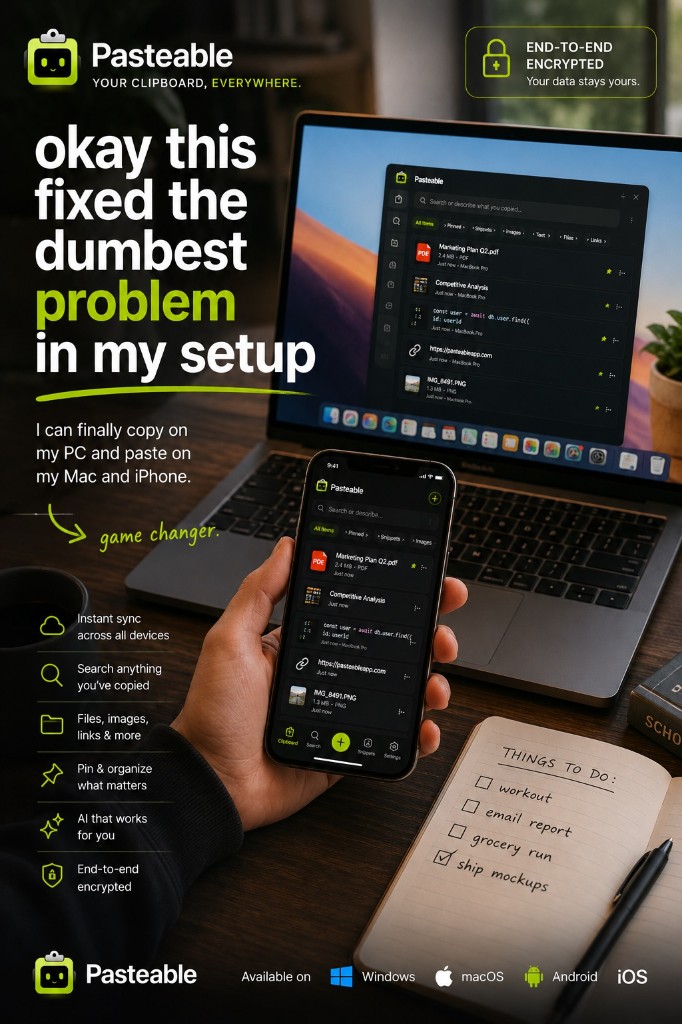
Pasteable vs KDE Connect
Pasteable vs KDE Connect
the free, open-source phone link
KDE Connect is a free, open-source app from the KDE community that links your phone and your computer over your own network: a shared clipboard, sending files, links, and text, and notification sync. It runs on Linux, Windows, macOS, Android, and iOS, with no account and no cloud. Its limits come from that design and from phone rules: both devices have to be on the same network, Android 10 and later only send the clipboard when you tap, and on iPhone the clipboard only goes one way.
Pasteable
Free · Pro $6/mo or $60/yr · $80 founder lifetime
Cross-platform · E2E sync · AI search
KDE Connect
Free (open source)
the free, open-source phone link
Where KDE Connect is genuinely good
- Free and open source, for any purpose, with no account to create.
- Peer to peer over your local network (or Bluetooth in recent versions), so nothing passes through a cloud.
- Far more than a clipboard: send files, links, and text, plus notification sync and SMS on Android.
- Runs on Linux, Windows, macOS, Android, and iOS; GNOME users get it through GSConnect.
Where Pasteable pulls ahead
- Works over the internet, so your phone and computer do not need to share a network.
- A searchable history of everything you copy, with full-text and on-device semantic search.
- Images, files, links, and code sync too, end-to-end encrypted.
- iPhone and Android work both ways today through the web app, with native apps in store review.
- The same history on Mac, Windows, Linux, and the web.
Feature-by-feature
| Feature | Pasteable | KDE Connect |
|---|---|---|
| Platforms | Mac · Windows · Linux · Web · iOS & Android soonMac · Windows · Linux · Web · iOS & Android soon | Linux · Windows · macOS · Android · iOSLinux · Windows · macOS · Android · iOS |
| Price model | Free · Pro $6/mo or $60/yr · $80 founder lifetimeFree · Pro $6/mo or $60/yr · $80 founder lifetime | Free (open source)Free (open source) |
| Works away from your home network | KDE Connect needs both devices to reach each other: the same network, a VPN, or Bluetooth. | |
| Android → computer clipboard | One tap in the web appOne tap in the web app | Tap “Send clipboard”Tap “Send clipboard” |
| iPhone ↔ computer clipboard | Both ways via the web appBoth ways via the web app | iPhone → computer, by tapiPhone → computer, by tap |
| Images on the shared clipboard | ||
| Searchable clipboard history | ||
| Cloud account required | Only for syncOnly for sync | NoNo |
| Notification sync | AndroidAndroid | |
| Open source |
Comparisons reflect publicly documented features as of 2026 and are updated as products change.
Where KDE Connect falls short
- Both devices need to reach each other on the same network (or over Bluetooth), so it does not help when you are away from home.
- Android 10 and later block background clipboard reads, so you tap “Send clipboard” each time.
- On iPhone the clipboard only goes from the phone to the computer, one tap at a time.
- The shared clipboard skips images, and it is not a searchable clipboard history.
The honest verdict
KDE Connect is an excellent free tool, and if your phone and computer sit on the same network most of the day, it may be all you need, especially with notification sync and file sharing thrown in. Pick Pasteable when you want your clipboard to follow you anywhere over the internet, keep a searchable history, carry images and files, and work on an iPhone in both directions.
Common questions
Is KDE Connect really free?+
Yes. KDE Connect is free and open source, made by the KDE community, with no account or subscription. That is a real advantage, and we recommend it if it covers what you need.
Why does KDE Connect not sync my Android clipboard automatically?+
Since Android 10, apps cannot read the clipboard in the background. KDE Connect works around it with a “Send clipboard” button in its notification, or a quick settings tile on Android 14 and later.
Can I use KDE Connect and Pasteable together?+
Yes. They do not conflict. Many people keep KDE Connect for notifications and file sharing on the home network and use Pasteable for a synced, searchable clipboard history.
Try Pasteable free
Local-first clipboard history today. Add cross-device sync, AI search, and text expansion whenever you want.
v3.2.22
Pasteable for iPhone and Android is in App Store and Play Store review right now. Join the waitlist and we’ll email you the moment it’s live — or use the web app in your phone’s browser today.