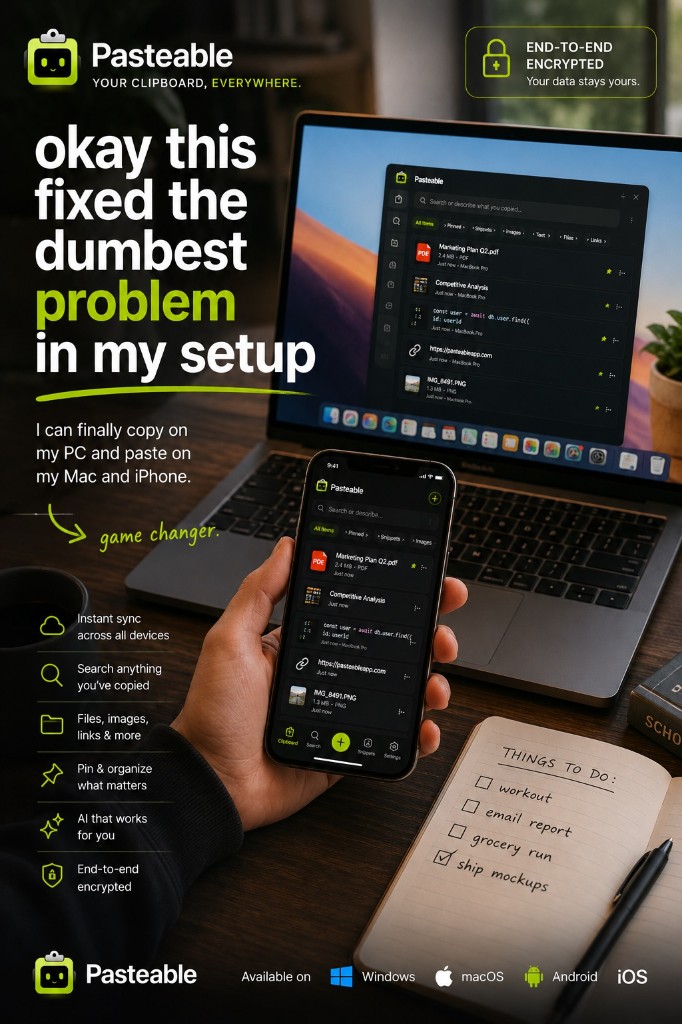
Pasteable vs Microsoft Phone Link
Pasteable vs Microsoft Phone Link
the phone app built into Windows
Phone Link is Microsoft’s free app for connecting a phone to a Windows PC: texts, calls, and notifications, with the Link to Windows app on Android. Its cross-device copy and paste is real but narrow. Microsoft lists it for Surface Duo and select Samsung, HONOR, OPPO, ASUS, vivo, and Xiaomi phones, for text and images only. With an iPhone, Phone Link handles texts, calls, and notifications, not the clipboard. And it only runs on Windows.
Pasteable
Free · Pro $6/mo or $60/yr · $80 founder lifetime
Cross-platform · E2E sync · AI search
Microsoft Phone Link
Free, built into Windows
the phone app built into Windows
Where Microsoft Phone Link is genuinely good
- Free and built into Windows 10 and 11.
- Texts, calls, and notifications from your phone on your PC, which Pasteable does not do.
- On a supported Android phone, copy and paste between phone and PC is automatic once you turn it on.
- Works with an iPhone for texts, calls, and notifications over Bluetooth.
Where Pasteable pulls ahead
- Works with any Android phone or iPhone, not a list of supported models.
- Phone → PC works today in any phone browser: open pasteableapp.com/app and tap “Paste from clipboard”.
- Mac and Linux too, with one history across all of them.
- Text, images, files, links, and code, end-to-end encrypted.
- A searchable history with full-text and on-device semantic search.
Feature-by-feature
| Feature | Pasteable | Microsoft Phone Link |
|---|---|---|
| Platforms | Mac · Windows · Linux · Web · iOS & Android soonMac · Windows · Linux · Web · iOS & Android soon | Windows + Android or iPhoneWindows + Android or iPhone |
| Price model | Free · Pro $6/mo or $60/yr · $80 founder lifetimeFree · Pro $6/mo or $60/yr · $80 founder lifetime | Free, built into WindowsFree, built into Windows |
| Clipboard with Android | Any phone, via the web appAny phone, via the web app | Select modelsSelect models Surface Duo and select Samsung, HONOR, OPPO, ASUS, vivo, and Xiaomi phones. |
| Clipboard with iPhone | Via the web appVia the web app | |
| Mac & Linux | ||
| Content types | Text, images, files, links, codeText, images, files, links, code | Text and imagesText and images |
| Searchable clipboard history | ||
| Texts, calls & notifications | ||
| Open source |
Comparisons reflect publicly documented features as of 2026 and are updated as products change.
Where Microsoft Phone Link falls short
- Copy and paste only works on Surface Duo and select Samsung, HONOR, OPPO, ASUS, vivo, and Xiaomi phones.
- Microsoft does not list iPhone for cross-device copy and paste.
- Text and images only, and images over 1 MB are resized.
- Windows only: no Mac or Linux.
The honest verdict
If you have a supported Samsung (or other listed) Android phone and only use Windows, turn on Phone Link’s copy and paste: it is free and automatic, and you get texts and calls too. If your phone is not on the list, you have an iPhone, or you also use a Mac or Linux, Pasteable gives you one searchable, end-to-end encrypted clipboard across all of them.
Common questions
Does Phone Link copy and paste work with my phone?+
Microsoft lists Surface Duo and select Samsung (One UI 2.1 or later), HONOR, OPPO, ASUS, vivo, and Xiaomi phones. You turn it on in Phone Link under Settings → Features → Cross-device copy and paste. Other phones, and iPhones, do not get the shared clipboard.
Can I use Phone Link and Pasteable together?+
Yes. Phone Link is great for texts and calls on your PC. Pasteable adds a searchable clipboard history that also reaches your Mac, Linux machines, and any phone through the web app.
How do I get text from my iPhone to my Windows PC?+
Open pasteableapp.com/app in your phone’s browser, tap “Paste from clipboard”, and the clip syncs to your Mac, Windows, or Linux history, end-to-end encrypted. It takes one tap; it is not automatic.
Try Pasteable free
Local-first clipboard history today. Add cross-device sync, AI search, and text expansion whenever you want.
v3.2.22
Pasteable for iPhone and Android is in App Store and Play Store review right now. Join the waitlist and we’ll email you the moment it’s live — or use the web app in your phone’s browser today.