Pasteable vs Pushbullet
Pasteable vs Pushbullet
the original phone-to-PC push app
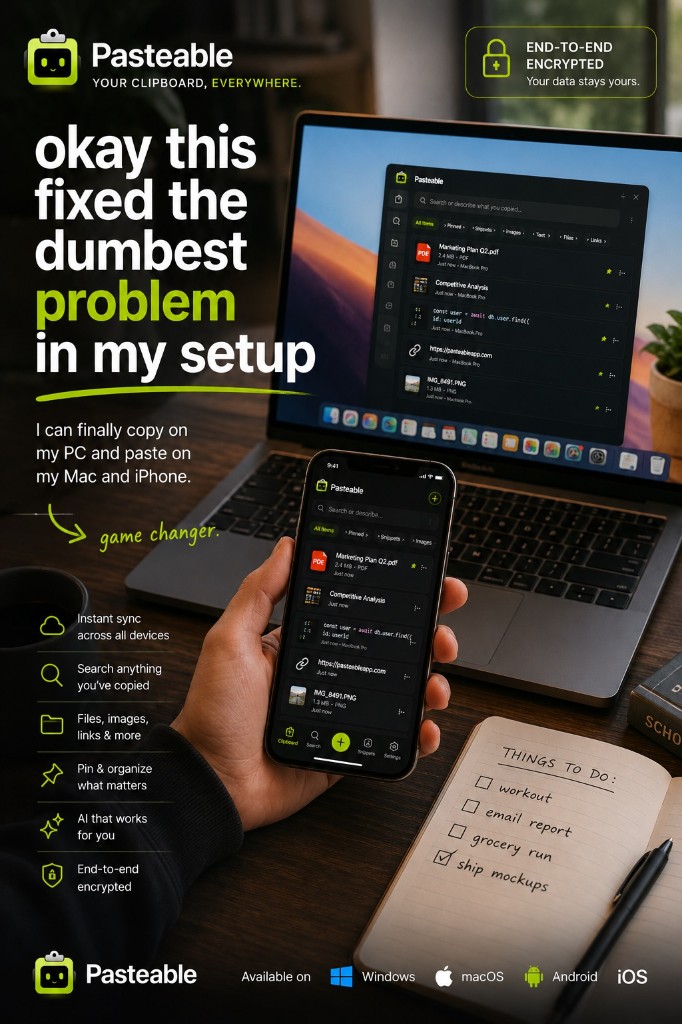
Pushbullet has been the way to push links, notes, and files from an Android phone to a computer for over a decade, with notification mirroring and texting from your PC on top. It still works, but development has slowed: there has been no iPhone app for years, the Android app was last updated in August 2025, and universal copy and paste needs Pro. Pasteable is a different shape of tool: a clipboard history that syncs between Mac, Windows, Linux, and the web.
Pasteable
Free · Pro $6/mo or $60/yr · $80 founder lifetime
Cross-platform · E2E sync · AI search
Pushbullet
Free / Pro $4.99/mo or $39.99/yr
the original phone-to-PC push app
Where Pushbullet is genuinely good
- Push a link, note, or file from an Android phone to your computer in a couple of taps.
- Notification mirroring and texting from your computer, which Pasteable does not do.
- Universal copy and paste between Android and Windows (Pro), with optional end-to-end encryption.
- A free tier that covers occasional pushes.
Where Pasteable pulls ahead
- Runs on Mac, Windows, and Linux from one account, plus a web app for your phone today — iPhone and Android apps are in store review.
- Works with an iPhone today: open pasteableapp.com/app, tap “Paste from clipboard”, and it lands on your computer.
- A searchable history of everything you copy, with full-text and on-device semantic search.
- End-to-end encrypted sync for text, images, files, links, and code.
- One purchase covers all your devices, with a one-time Lifetime option.
Feature-by-feature
| Feature | Pasteable | Pushbullet |
|---|---|---|
| Platforms | Mac · Windows · Linux · Web · iOS & Android soonMac · Windows · Linux · Web · iOS & Android soon | Android · Windows · FirefoxAndroid · Windows · Firefox |
| Price model | Free · Pro $6/mo or $60/yr · $80 founder lifetimeFree · Pro $6/mo or $60/yr · $80 founder lifetime | Free, Pro $4.99/mo or $39.99/yrFree, Pro $4.99/mo or $39.99/yr |
| iPhone | Web app today · app in reviewWeb app today · app in review | Pushbullet no longer has an iOS app. |
| Phone → computer text | One tap in the web appOne tap in the web app | |
| Automatic clipboard sync | Between computersBetween computers | Pro, Android ↔ WindowsPro, Android ↔ Windows Android 10 and later limit background clipboard access, so phone → PC may need a tap. |
| Searchable clipboard history | Push feed onlyPush feed only | |
| End-to-end encryption | OptionalOptional | |
| Notification mirroring & texting | ||
| File transfer | Free 1 GB · Pro 5 GBFree 1 GB · Pro 5 GB | Free 25 MB · Pro 1 GBFree 25 MB · Pro 1 GB |
| Open source |
Comparisons reflect publicly documented features as of 2026 and are updated as products change.
Where Pushbullet falls short
- No iPhone app: Pushbullet pulled it years ago and has not brought it back.
- Slow development: the Android app was last updated in August 2025 and the Firefox add-on in March 2023.
- Universal copy and paste is Pro only, and it sends text.
- Pushes are a feed, not a searchable clipboard history.
The honest verdict
If you are on Android and Windows and want notification mirroring and texting from your PC, Pushbullet still does that, and nothing here replaces it. If what you really use it for is getting text and links between your phone and your computers, including an iPhone, a Mac, or Linux, Pasteable is an actively developed option, with a searchable, end-to-end encrypted history.
Common questions
Is Pushbullet still maintained?+
Partly. The Android app is still on Google Play, but its last update was in August 2025, the Firefox add-on was last updated in March 2023, and the iPhone app is gone. The service still runs for many people.
Does Pasteable mirror notifications or send texts like Pushbullet?+
No. Pasteable is a clipboard manager: it keeps what you copy, makes it searchable, and syncs it between your devices with end-to-end encryption. If notification mirroring is the feature you need, KDE Connect (free) or Microsoft Phone Link (on Windows) cover it.
Can I send text from my iPhone to my PC with Pasteable?+
Open pasteableapp.com/app in your phone’s browser, tap “Paste from clipboard”, and the clip syncs to your Mac, Windows, or Linux history, end-to-end encrypted. It takes one tap; it is not automatic.
Try Pasteable free
Local-first clipboard history today. Add cross-device sync, AI search, and text expansion whenever you want.
v3.2.22
Pasteable for iPhone and Android is in App Store and Play Store review right now. Join the waitlist and we’ll email you the moment it’s live — or use the web app in your phone’s browser today.