Guide · 2026
Clipboard sync across every device
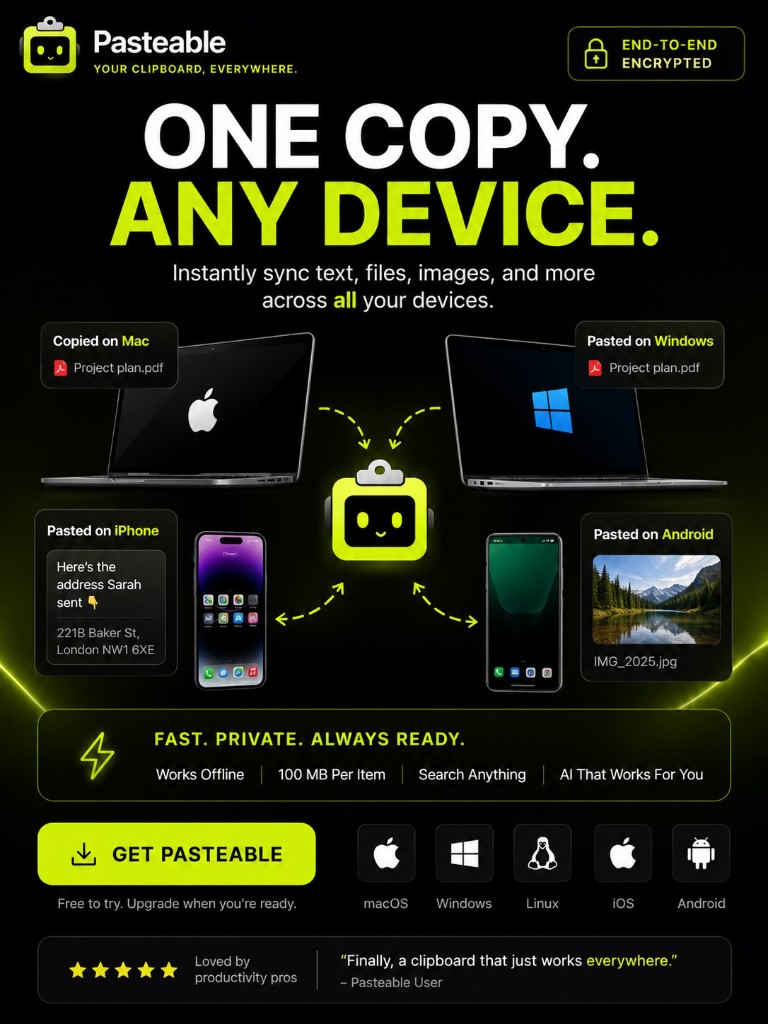
Copy on one device. Paste on another. That is the whole idea. Pasteable syncs your clipboard across Mac · Windows · Linux · iOS · Android with end-to-end encryption — no cables, no email-to-self, no AirDrop limitations. Just copy here and paste there.
v3.2.14
Pasteable for iPhone and Android is in App Store and Play Store review right now. Join the waitlist and we’ll email you the moment it’s live.
How it works
Copy on your computer
Copy text, a link, a file, or an image on Mac, Windows, or Linux. Pasteable captures it instantly.
It appears on your phone
Your iPhone or Android gets the clip automatically — no manual sync button to press.
Paste anywhere
Tap to paste into any app, or use the Pasteable keyboard to paste from your synced history.
What you get
Works across all 5 platforms
Mac, Windows, Linux, iPhone, and Android from one account. No Apple-only lock-in.
End-to-end encrypted
Your clips are encrypted on your device before upload. The cloud copy is unreadable without your key.
Universal clipboard handoff
Copy on one device and other devices auto-copy it to their system clipboard. No AirDrop needed.
25 free synced clips
The free tier syncs your 25 most recent clips across every device. Pro unlocks 10,000.
Files up to 5 GB
Free syncs files up to 1 GB. Pro raises that to 5 GB — copy a large file on your PC, paste it on your Mac.
Works without Wi-Fi
Local history is always available. Sync catches up when you reconnect.
Your clips are encrypted before they leave your device
End-to-end encryption means your clips are encrypted on your device with AES-256-GCM before they are uploaded. The cloud copy is unreadable without your key. Even we cannot read your clipboard. A recovery code lets you restore access on a new device.
Compare with alternatives
Start syncing free
25 synced clips across every device, free forever. Pro unlocks 10,000 clips, AI search, and file transfer.
v3.2.14
Pasteable for iPhone and Android is in App Store and Play Store review right now. Join the waitlist and we’ll email you the moment it’s live.