Guide · 2026
Copy and paste between devices
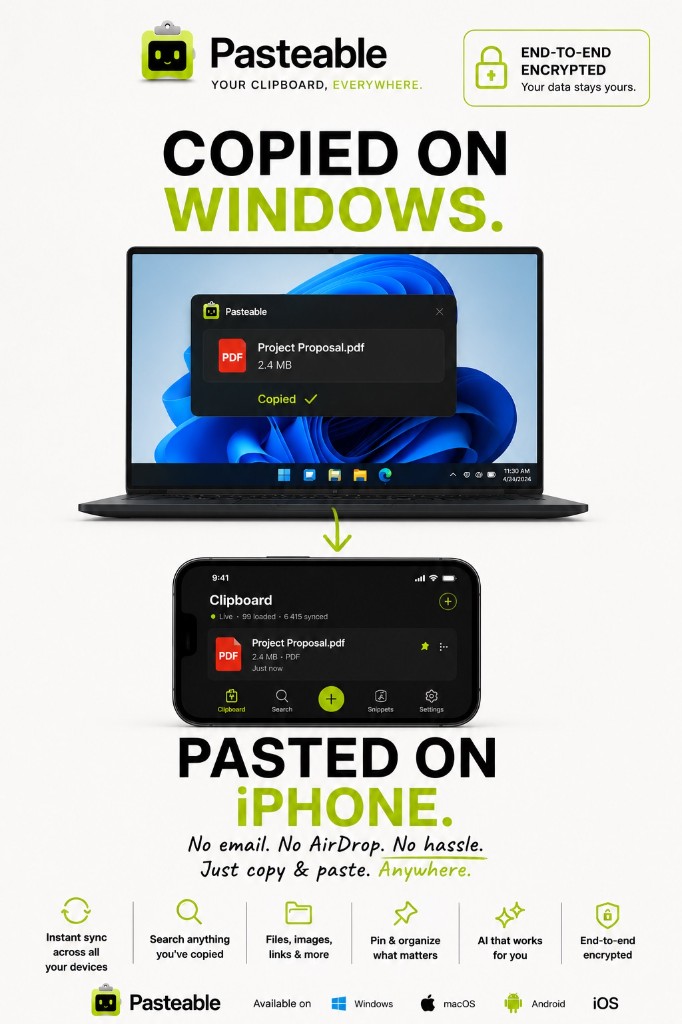
You copy something on one device and want to paste it on another. Today that means emailing yourself, messaging yourself, or using AirDrop — which only works between Apple devices. Pasteable makes it simple: copy here, paste there. Across Mac · Windows · Linux · iOS · Android.
v3.2.14
Pasteable for iPhone and Android is in App Store and Play Store review right now. Join the waitlist and we’ll email you the moment it’s live.
Every device pair, one clipboard
Mac → Windows
Copy a link on your Mac, paste it into a document on your Windows PC.
Windows → iPhone
Copy text on your Windows PC, paste it into a message on your iPhone.
Android → Mac
Copy a code snippet on your Android, paste it into your editor on your Mac.
iPhone → Windows
Copy an address on your iPhone, paste it into Maps on your Windows PC.
Linux → Android
Copy a command on your Linux machine, paste it into a terminal on your Android.
Mac → Android
Copy a photo on your Mac, paste it into a chat on your Android phone.
What you can copy and paste
Text & code
Plain text, rich text, HTML, and code snippets sync across every device.
Links & URLs
Copy a link on one device, paste it into a browser on another.
Images
Copy an image on your computer, paste it into a message on your phone.
Files
Free syncs files up to 1 GB. Pro raises that to 5 GB — copy a file here, paste it there.
How it works
Install Pasteable on both devices and sign in to the same account.
Copy anything on one device — Pasteable captures it automatically.
It appears on your other device instantly, encrypted end-to-end.
Paste it anywhere — or use the Pasteable mobile keyboard to paste from your synced history.
Free vs Pro
| Feature | Free | Pro |
|---|---|---|
| Cross-device sync | 25 most recent clips | 10,000 clips |
| File transfer | 1 GB per file, 3 GB/month | 5 GB per file, 20 GB/month |
| AI semantic search | — | Included |
| End-to-end encryption | Included | Included |
| Mobile keyboard | Yes | Yes |
| Local history | Unlimited | Unlimited |
Compare with alternatives
Start copying across devices
Free on every platform. 25 synced clips across all your devices, free forever.
v3.2.14
Pasteable for iPhone and Android is in App Store and Play Store review right now. Join the waitlist and we’ll email you the moment it’s live.