Guide · 2026
Universal clipboard for every device
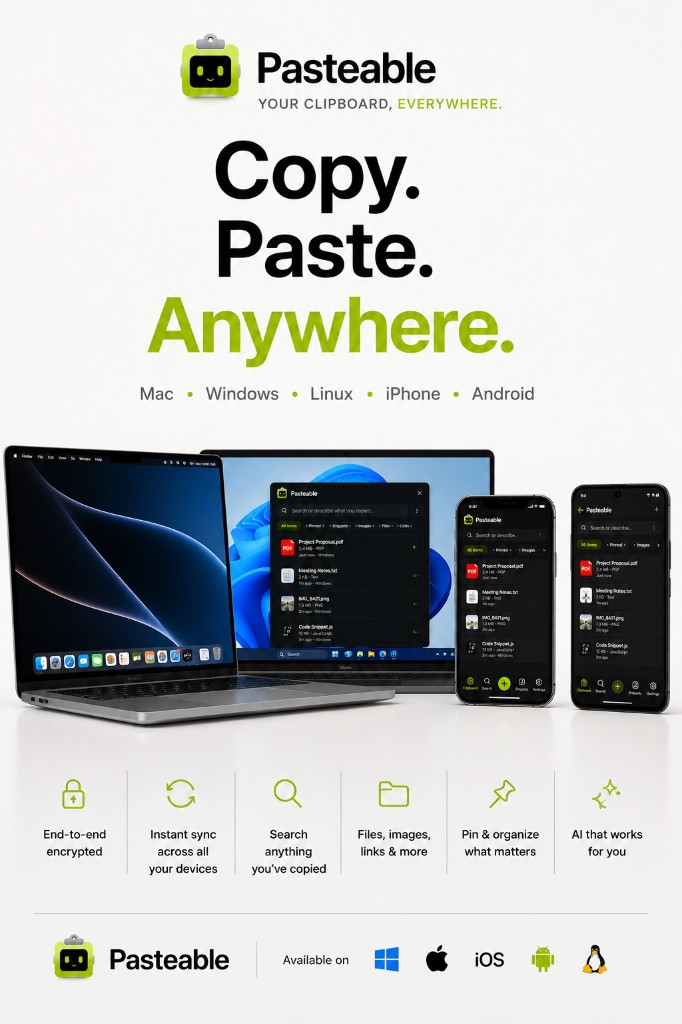
Apple's Universal Clipboard is nice — if you only use Apple devices. But the moment you touch a Windows PC, a Linux machine, or an Android phone, it stops working. Pasteable is a universal clipboard that actually works across Mac · Windows · Linux · iOS · Android.
v3.2.14
Pasteable for iPhone and Android is in App Store and Play Store review right now. Join the waitlist and we’ll email you the moment it’s live.
Apple Universal Clipboard vs Pasteable
Apple Universal Clipboard
- Mac to Mac, or Mac to iPhone only — no Windows, Linux, or Android.
- Requires both devices signed into the same iCloud account.
- Does not work with files larger than a few MB reliably.
- No history — only the most recent copy is available.
- No search, no AI, no snippets, no keyboard extension.
Pasteable
- Works across all 5 platformsMac, Windows, Linux, iPhone, and Android. Copy on any device, paste on any other.
- Full clipboard historyNot just the last copy — your entire clipboard history is searchable and available on every device.
- Files and imagesSync files up to 1 GB on Free, 5 GB on Pro. Copy a file on your PC, paste it on your Mac or phone.
- End-to-end encryptedOptional E2E encryption means the cloud copy is unreadable without your key.
- Mobile keyboardA custom keyboard on iPhone and Android gives you your synced clips in any text field.
- Works without AppleNo iCloud account, no Apple device, no AirDrop required. Just sign in to Pasteable.
What you can do
Copy on Android, paste on Mac
Copy a link on your Android phone, paste it into a document on your Mac — instantly.
Copy on Windows, paste on iPhone
Copy text on your Windows PC, paste it into a message on your iPhone. No email to self.
Copy on Mac, paste on Linux
Copy a code snippet on your Mac, paste it into your terminal on Linux. Same account, same history.
Copy a file, paste on another device
Free syncs files up to 1 GB; Pro goes to 5 GB. Copy a file on your PC, paste it on your Mac or phone.
Compare with alternatives
Get the universal clipboard
Free on every platform. Copy on one device, paste on another — that is the whole idea.
v3.2.14
Pasteable for iPhone and Android is in App Store and Play Store review right now. Join the waitlist and we’ll email you the moment it’s live.